
BIM coordination and shop drawings
BIM coordination, shop drawings and bar bending schedules
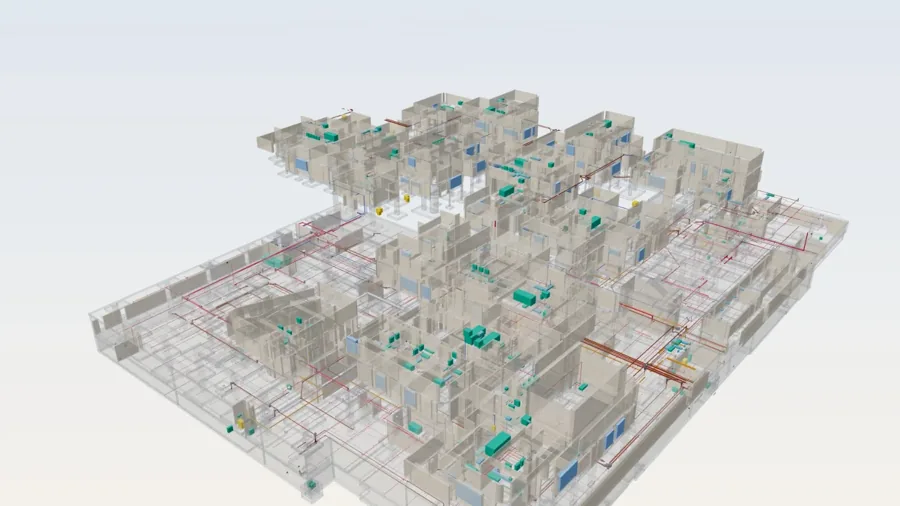
Coordinated models and drawings the site can build from. We model in Revit, run the coordination cycle, and issue shop drawings and BBS from the same model.
The problem we solve
Coordination often stops at a clash report. Hundreds of clashes are listed, nobody owns them, and the same ones reappear in the next model. Meanwhile the site waits for shop drawings, and drawings drawn separately from the model drift out of step with it.
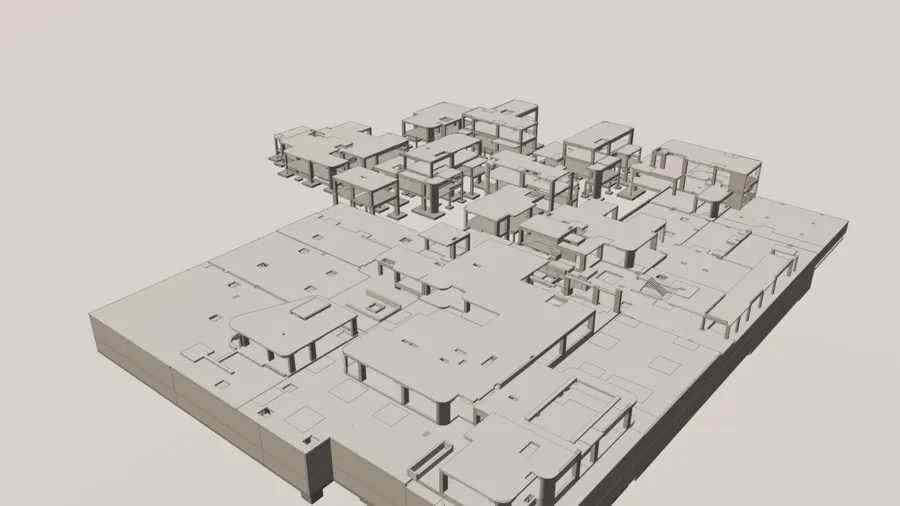
Bar bending schedules add another risk: reinforcement drawn by hand in 2D takes time and quantities are checked late. When the structural model carries reinforcement, schedules can come straight from it.
What we deliver
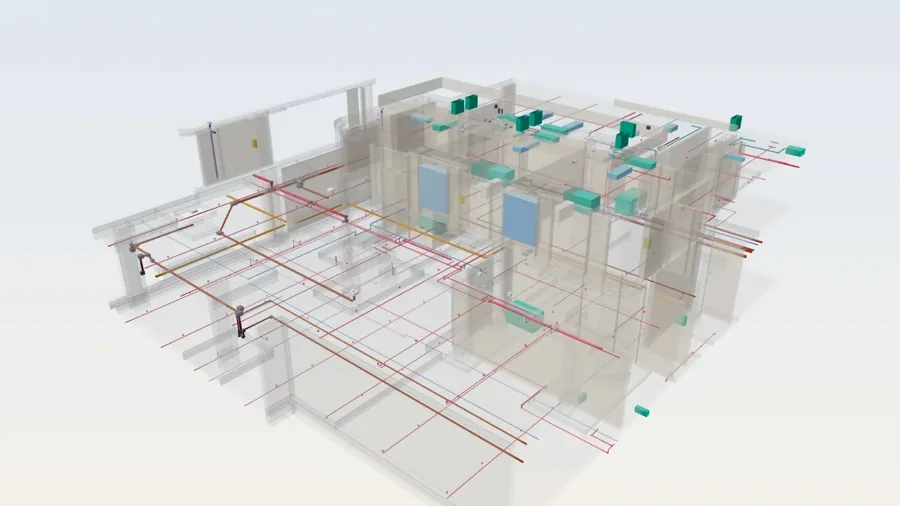
- Revit models at LOD 300, 400 or 500 for architecture, structure and MEP, as scoped
- Federated model and a coordination cycle with grouped clashes, owners and close-out status
- BCF-based issue tracking, so issues travel between tools
- Shop drawings generated from the coordinated model: sleeves, openings, MEP layouts, reinforcement and fabrication views
- Bar bending schedules from the reinforcement model, with bar marks matched to drawings
- Model and drawing quality control (QC) checklist before each issue
- Native Revit files and exports (IFC, PDF, DWG) as agreed in the BIM execution plan
How we work
Agree the BIM execution plan
Software versions, origin and levels, naming, LOD per element, exchange dates and who resolves which clash.
Model
Discipline models built to the agreed LOD, using AI-assisted tooling in Revit to speed up repeatable work.
Coordinate
Federate, test, group clashes by cause, assign owners and re-run until the agreed list is closed.
Draw and schedule
Issue shop drawings and BBS from the coordinated model, with a check against the design intent.
Handover
Models, drawings and a close-out log in the formats the contract names.
Articles on this topic
All articlesClash detection that gets fixed: a coordination workflow
A BIM coordination workflow for Saudi projects: set the rules, test the models, group clashes by cause, assign owners and close issues with evidence.
Read the articleWhen laser scanning pays: scan before MEP prefabrication
When a laser scan is worth its cost before prefabricating MEP, how to specify purpose and accuracy, and how to turn a point cloud into a usable model.
Read the articleQA vs QC on site: how the ITP and its hold, witness and review points fit together
Quality assurance and quality control are separate stages. How ISO 9000 defines each, what belongs to QA before work starts, and how QC runs through the ITP's hold, witness and review points.
Read the articleFrequently asked questions
Can I get an instant estimate for BIM modelling?
Yes. The Rapid BIM calculator on our homepage gives a fee and delivery estimate from built-up area, disciplines and LOD. For shop drawings or unusual scopes, email us and we will confirm.
What LOD can you model to?
LOD 300, 400 and 500, depending on the element and what the contract or BEP requires. Not every element needs the highest level.
Do you use Navisworks?
We run clash detection in the tool your project standard names. Issues are exchanged as BCF where tools support it, so the team can follow them in whichever software they use.
Can shop drawings be produced from a model you did not build?
Yes, if the model is good enough to draw from. We audit it first and tell you what needs fixing before drawings are issued.
Talk to us about this service
Tell us the building type, disciplines and LOD you need, and attach the drawings if you have them.